Photo Frame
Instructions for the Photo Gallery
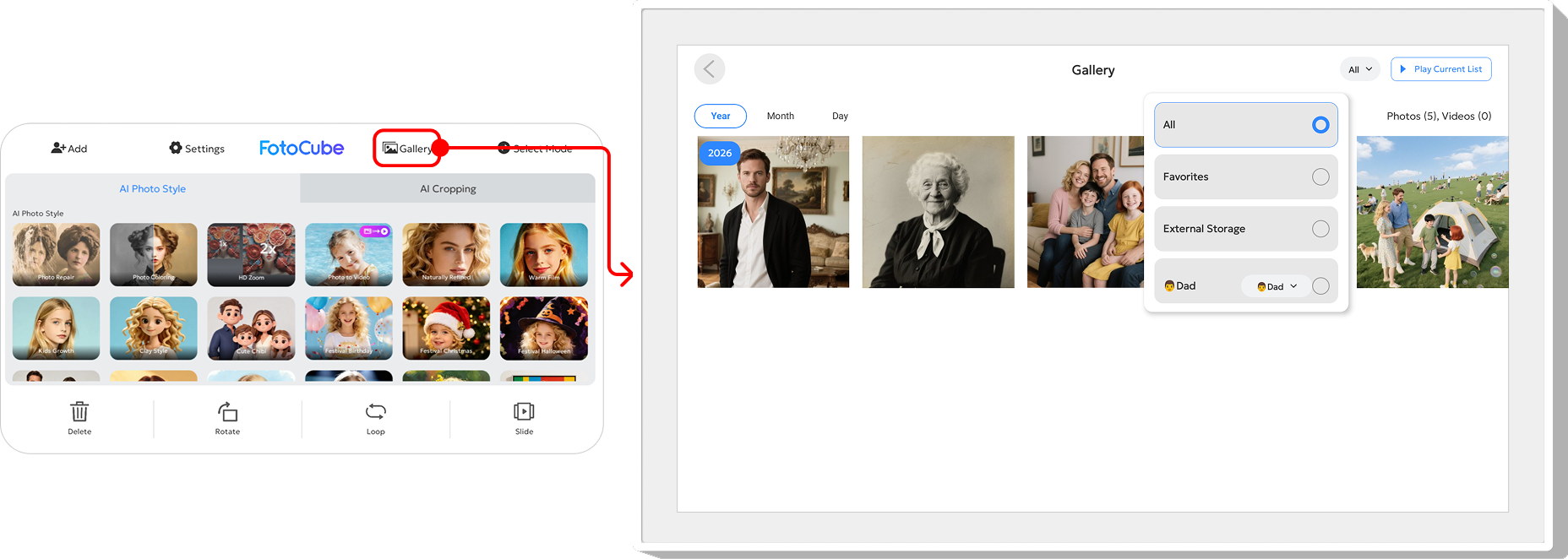
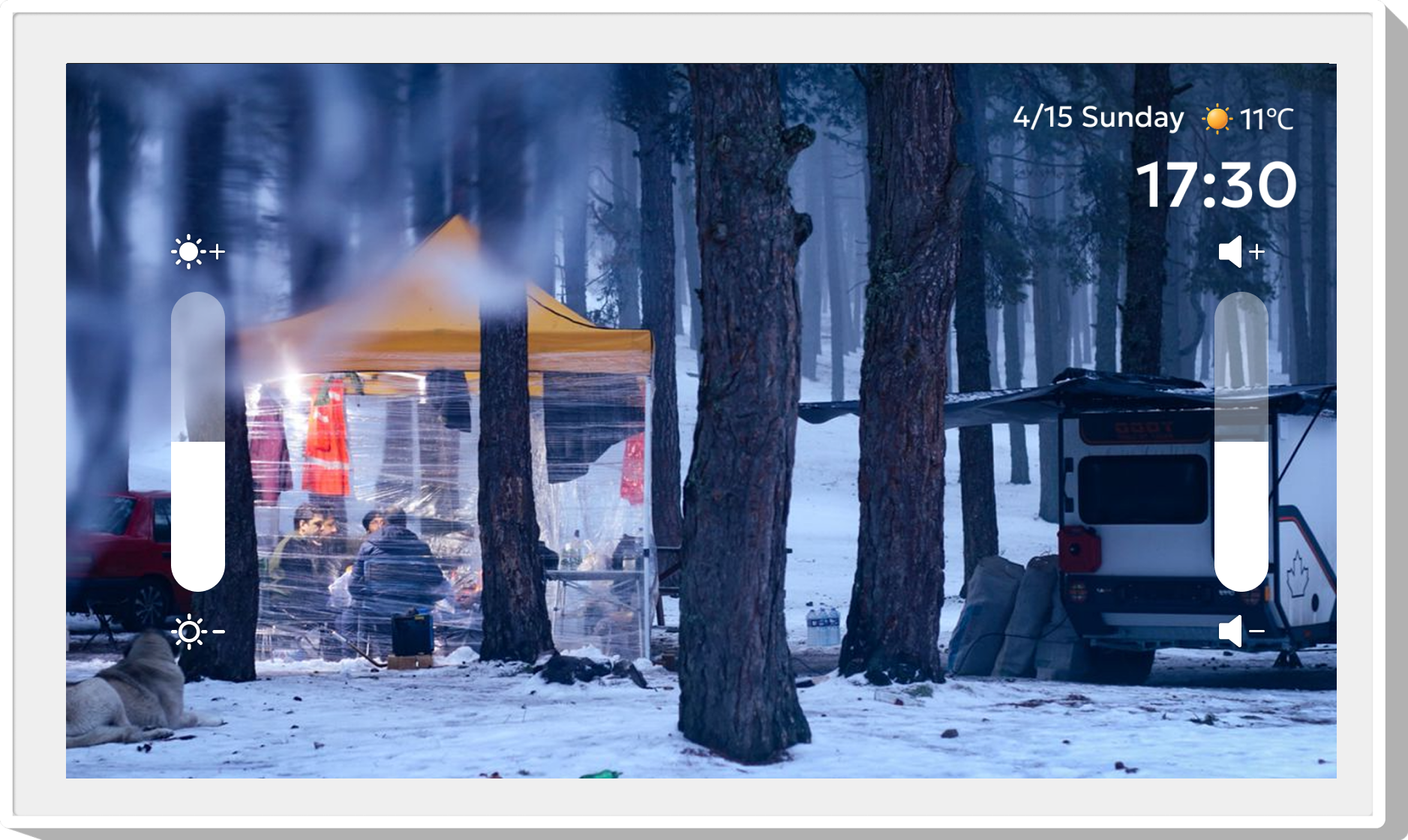
You can send photos or videos from your mobile phone to the device, which will be displayed on the screen in real time. You can interact with the device simply and conveniently through the touch screen. Swipe left or right to view your photos. To access the menu bar, simply click once on the screen, which will display the menu. On the photo/video playback screen, swipe up or down on the left side of the screen to adjust screen brightness; swipe up or down on the right side to adjust the video playback volume. Open Gallery from the top menu to view all photos/videos stored on the frame.Operation
Gallery