Calendar
Meal Plan
Create a Meal Plan
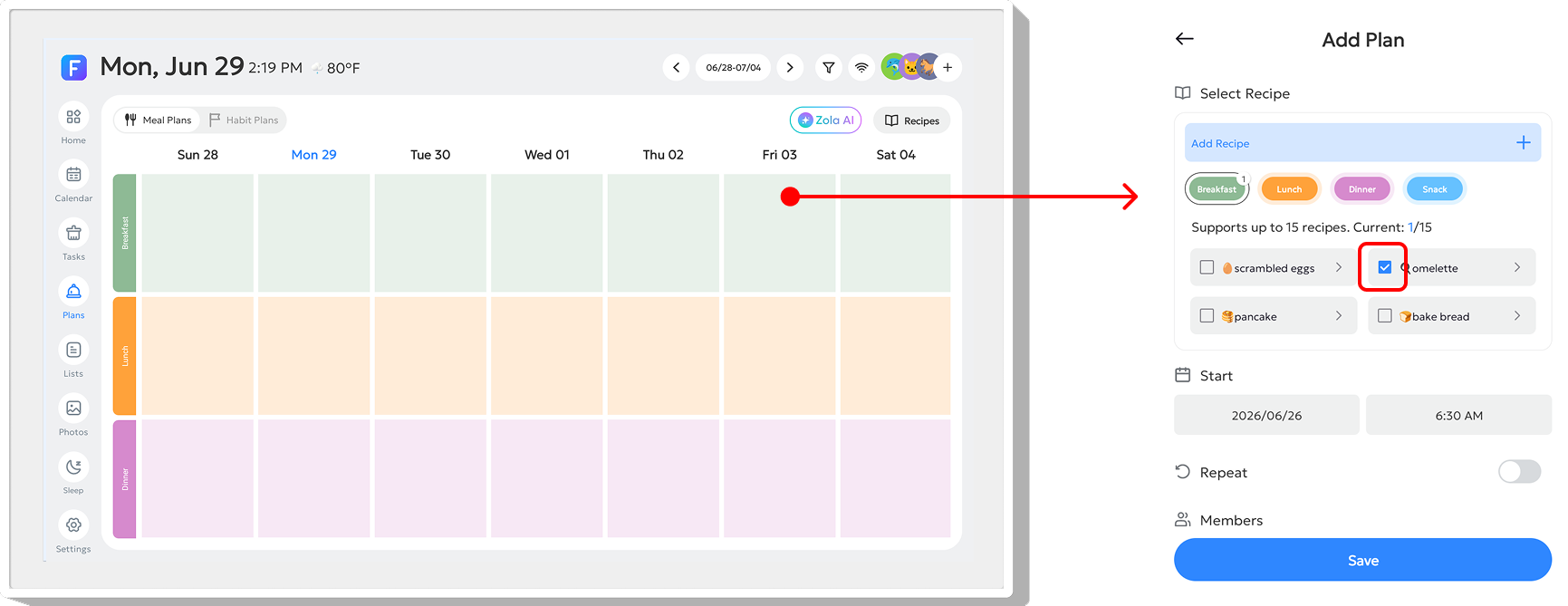
Find the date and meal slot where you want to create a plan, such as Breakfast, Lunch, Dinner, or Snack, and tap it. A Meal Plan pop-up window will appear. You can select an existing Recipe, or tap "Add Recipe" to create a new one. After creating a meal plan, long-press the slot for that day to reopen the edit window.
Add Recipe
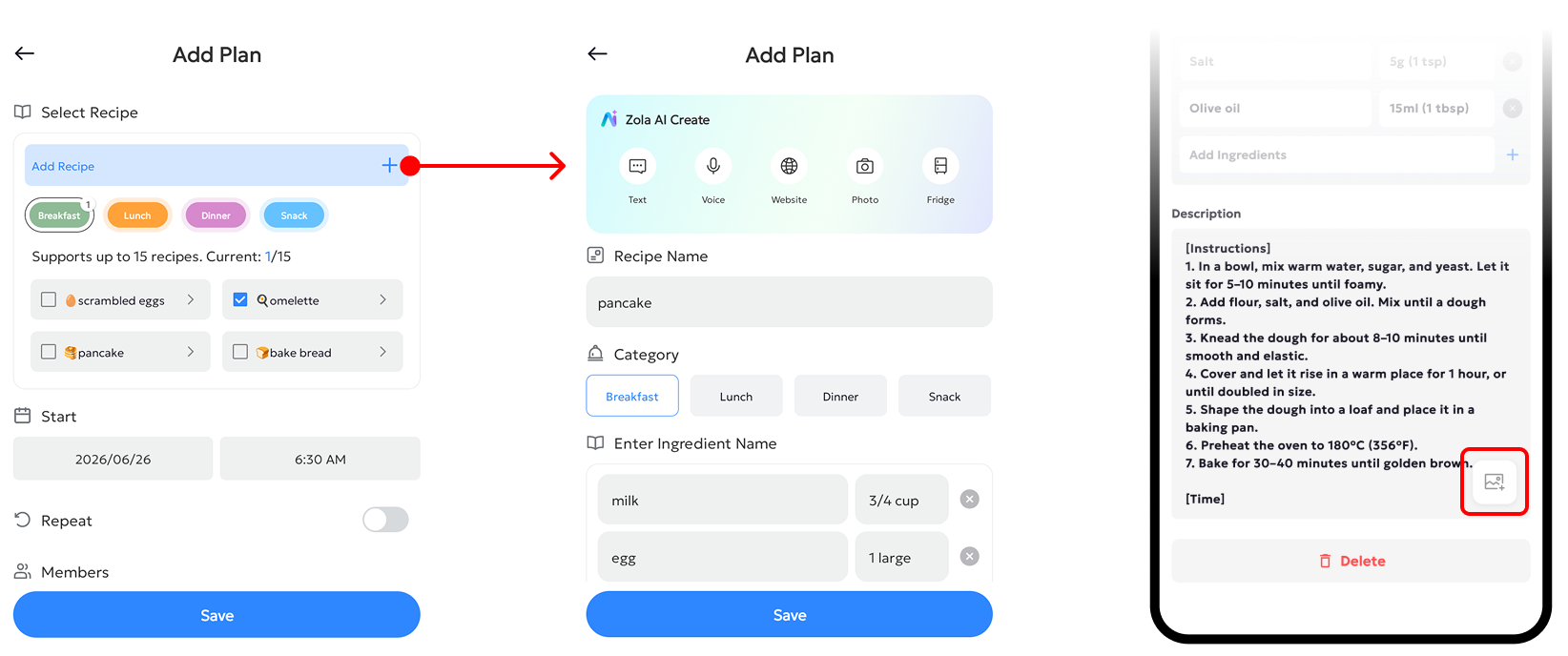
Tap Add Recipe. Input your recipe name, and choose a category: Breakfast, Lunch, Dinner or Snack. Next, add your ingredients in the Enter dish name field. You may also fill in cooking instructions or notes under Description.
Notes: You can upload a dish photo using the FotoCube mobile app.
View or Edit Recipes
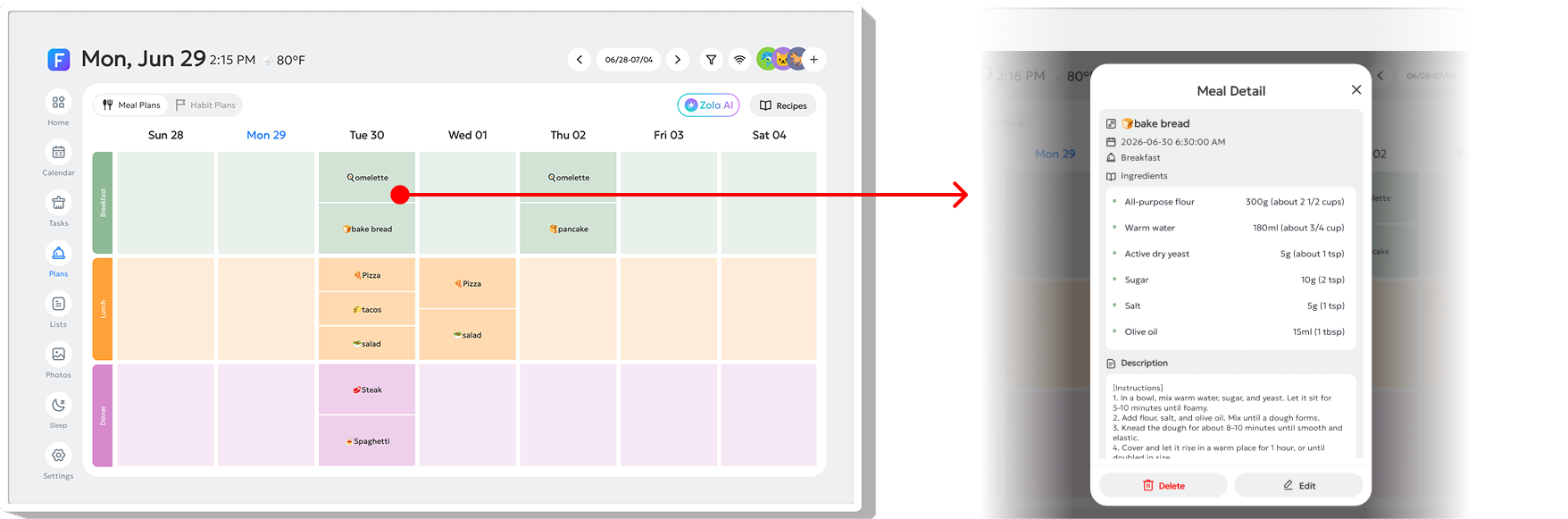
After creating a meal plan, tap the dish on that day to view its Ingredients and Description. You can also find the "Edit" and "Delete" buttons in this window.